POWERFUL FEATURES

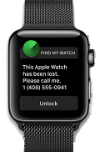
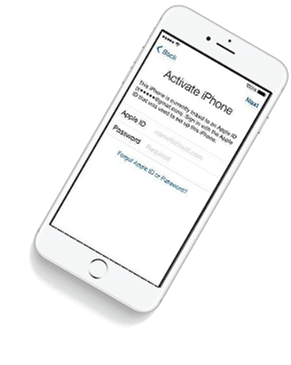
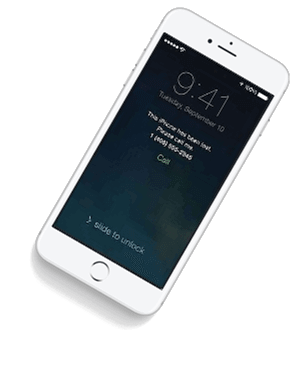
iCloud Spider Officially and Permanently Unlock, Bypass & Remove iCloud Activation Lock on your iPhone 11 Pro / 11 Pro Max, 12 / 12 Mini, 12 Pro / 12 Pro Max, 13 / 13 Mini, 13 Pro / 13 Pro Max, 14 / 14 Plus, 14 Pro / 14 Pro Max, 11, 11 Pro, X, 8, 8 Plus, 7 Plus, 7, 6S Plus, 6S, 6, SE, 5S, 5C, 5, 4S, 4 and all iPad 4,3,2 Air, Pro and iWatch Versions.

Permanent Removal Tool

iCloud Spider can be used to remove iCloud Lock permanently from your device without the fear of being locked again.

Disable Find My Phone

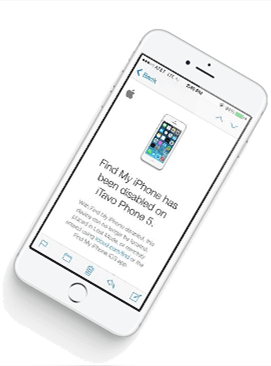
No matter who is previous owner of the iPhone, iCloud Spider will just disable "Fiand My Phone" feature from the device.

icloud spider android icloud spider mobile

Anti-Detection System

iCloud Spider use built-in proxies and private servers and data enctyption to unlock your device so you no traces are left.

Let You Update iOS

You can easily update your device's iOS version without any problem after unloking it with the iCloud Spider.

Multiple Unlock Methods

With iCloud Spider you have the flexibility to unlock your device either via USB or by using your phone IMEI number.
  • unlock iphone
  • icloud unlock
  • apple watch icloud unlock
  • iphone unlocker
  • icloud-lock-removal
  • ipad pro unlock
  • icloud unlocker
  • iphone x icloud unlock

CAN MY IPHONE BE UNLOCKED ?

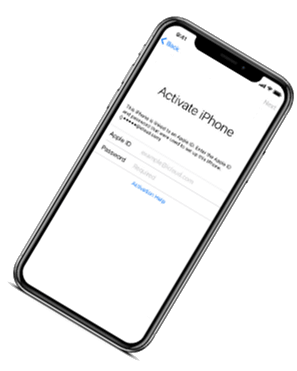
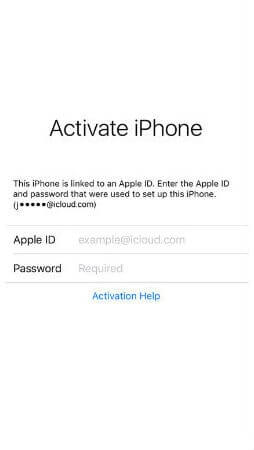
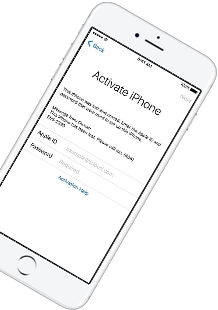
If you have forgotten your apple id or you bought a used iPhone from ebay/walmart and the original owner has enabled "Find My Phone" feature accidentally or purposely and you don't know how to contact him or unlock your device then you are on right place.

iCloud Spider will not only help you to unlock your iPhone but it will also remove any icloud activation lock (e.g. Find My Phone) from your device forever.

No Installation

No installation required to use iCloud Spider.

Free to use

You can download iCloud Spider for free.

Easy To Use

An easy to use & user-friendly interface.

Pro Features

With iCloud Spider Pro you can unlock unlimi-ted devices via USB & IMEI.

HOW IT WORKS ?

Unlocking iPhone made easy with iCloud Spider. You don't have to install iCloud Spider on your PC to unlock your iPhone/iPad. Read the instructions below to learn how to use our icloud unlock software.

Download

Download & run iCloud Spider on your PC. (You can unlock just one device by IMEI in free version of iCloud Spider)

Connect Device/Type IMEI

Connect your locked iphone/ipad to your pc via usb or type your phone's imei in iCloud Spider and hit the "Unlock This Device" button.

Get Your Device Unlocked

iCloud Spider will permanently unlock your locked iphone/ipad in just few minutes depending on your internet speed.

icloud spider helping video
Watch Video Tutorial

AVAILABLE ON MULTI-OS

One App For All Your Decives!

iCloud Spider is multi-devices & multi-OS supported. You can download & use IS(iCloud Spider) on Windows and MAC. iOS and Android version will be added soon.

Supported Devices:
  • All iPhone(s)
  • All Tablets
  • All iWatches

  • Use iCloud Spider Web-based Tool:   Click Here


    Use Online FRP Lock Removal App:   Click Here

    descargar super smash flash 3 verified

    iCloud Spider Screenshots

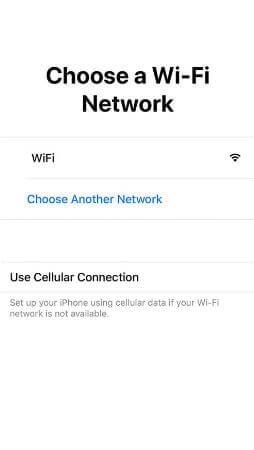
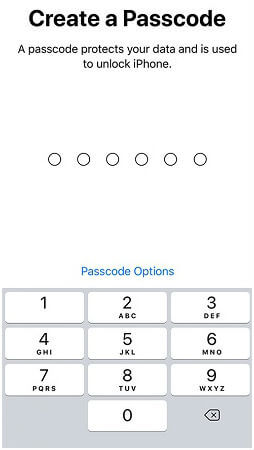
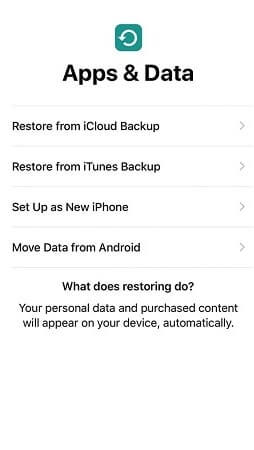
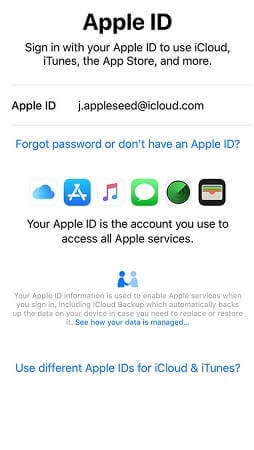
    See the working of our icloud unlocker tool below. It's easy to unlock any iPhone/iPad within seconds.

    ICLOUD SPIDER PRICING

    Unlock any iCloud locked device with the ease of our iCloud activation lock removal software at very affordable prices.

    Personal

    $0

    • Manual Updates
    • Unlock by IMEI
    • Unlock upto 1 Device(s)
    • VPN Proxy System
    • Email Support
    • -
    DOWNLOAD NOW

    PRO

    $15

    • Automatic Updates
    • Unlock via USB & IMEI
    • Unlock upto 30 Devices
    • VPS Proxy Servers
    • Chat & Email Support
    • -
    BUY NOW

    BUSINESS

    $30

    • Automatic Updates
    • Unlock via USB & IMEI
    • Unlock upto 100 Devices
    • Dedicated Proxies
    • Chat, Email & Phone Support
    • 7 Days Money Back Guarantee
    CONTACT US

    Descargar Super Smash Flash 3 Verified Info

    Title:

    A Comprehensive Review of Downloading Super Smash Flash 3: A Verified Approach

    official McLeodGaming sites

    Since an official "SSF3" doesn't exist, any site claiming to have a "verified" download for it may be hosting unofficial mods or potentially harmful software. For the safest and most up-to-date Smash fan game experience, you should visit the : Downloads - Super Smash Flash

    1. Visit the Official Website: Head over to the official Super Smash Flash 3 website (www.super-smash-flash-3.com) to download the game.
    2. Click on the Download Button: Locate the download button on the website and click on it. You'll be redirected to a download page.
    3. Select Your Platform: Choose your preferred platform (Windows, macOS, or Linux) and select the download option.
    4. Run the Installer: Once the download is complete, run the installer and follow the on-screen instructions to install the game.
    5. Verify the Game Files: After installation, verify the game files to ensure they are intact and not corrupted.

    If you’ve been scouring the web for a way to "descargar Super Smash Flash 3," you’ve likely run into dozens of sites claiming to have the "verified" setup file. But before you click that download button, there are a few things every Smash fan needs to know about the current state of the series. The Truth About Super Smash Flash 3 April 2026 , there is no official Super Smash Flash 3

    "Windows protected my PC" (SmartScreen)

    Title:

    A Comprehensive Review of Downloading Super Smash Flash 3: A Verified Approach

    official McLeodGaming sites

    Since an official "SSF3" doesn't exist, any site claiming to have a "verified" download for it may be hosting unofficial mods or potentially harmful software. For the safest and most up-to-date Smash fan game experience, you should visit the : Downloads - Super Smash Flash

    1. Visit the Official Website: Head over to the official Super Smash Flash 3 website (www.super-smash-flash-3.com) to download the game.
    2. Click on the Download Button: Locate the download button on the website and click on it. You'll be redirected to a download page.
    3. Select Your Platform: Choose your preferred platform (Windows, macOS, or Linux) and select the download option.
    4. Run the Installer: Once the download is complete, run the installer and follow the on-screen instructions to install the game.
    5. Verify the Game Files: After installation, verify the game files to ensure they are intact and not corrupted.

    If you’ve been scouring the web for a way to "descargar Super Smash Flash 3," you’ve likely run into dozens of sites claiming to have the "verified" setup file. But before you click that download button, there are a few things every Smash fan needs to know about the current state of the series. The Truth About Super Smash Flash 3 April 2026 , there is no official Super Smash Flash 3

    "Windows protected my PC" (SmartScreen)

    LATEST NEWS FROM BLOG

    iCloud Spider New Features

    Our developers have now added support for iPad Pro 11.5". So download the latest version of IS to enjoy this feature...

    unlock icloud free online

    New Supported Devices

    16 MAY 2024

    Our developers have now added support for iPad Pro 11.5". So download the latest version of iCloud Spider... descargar super smash flash 3 verified

    icloud unlocker v2.zip download

    iCloud Spider For Mobile Devices

    11 JULY 2024

    Good News! Android & iOS versions of the iCloud Spider are in beta testing and will be available for free to our existing customers. Title: A Comprehensive Review of Downloading Super Smash

    icloud activation lock removal free

    Apple iOS 12 Has 25 Great Secret Features

    07 AUGUST 2024

    Here's the complete list of 25 great hidden iOS 12 features available for your iPhone, iPad and iPod touch. Visit the Official Website : Head over to